
Your Livestream Producer

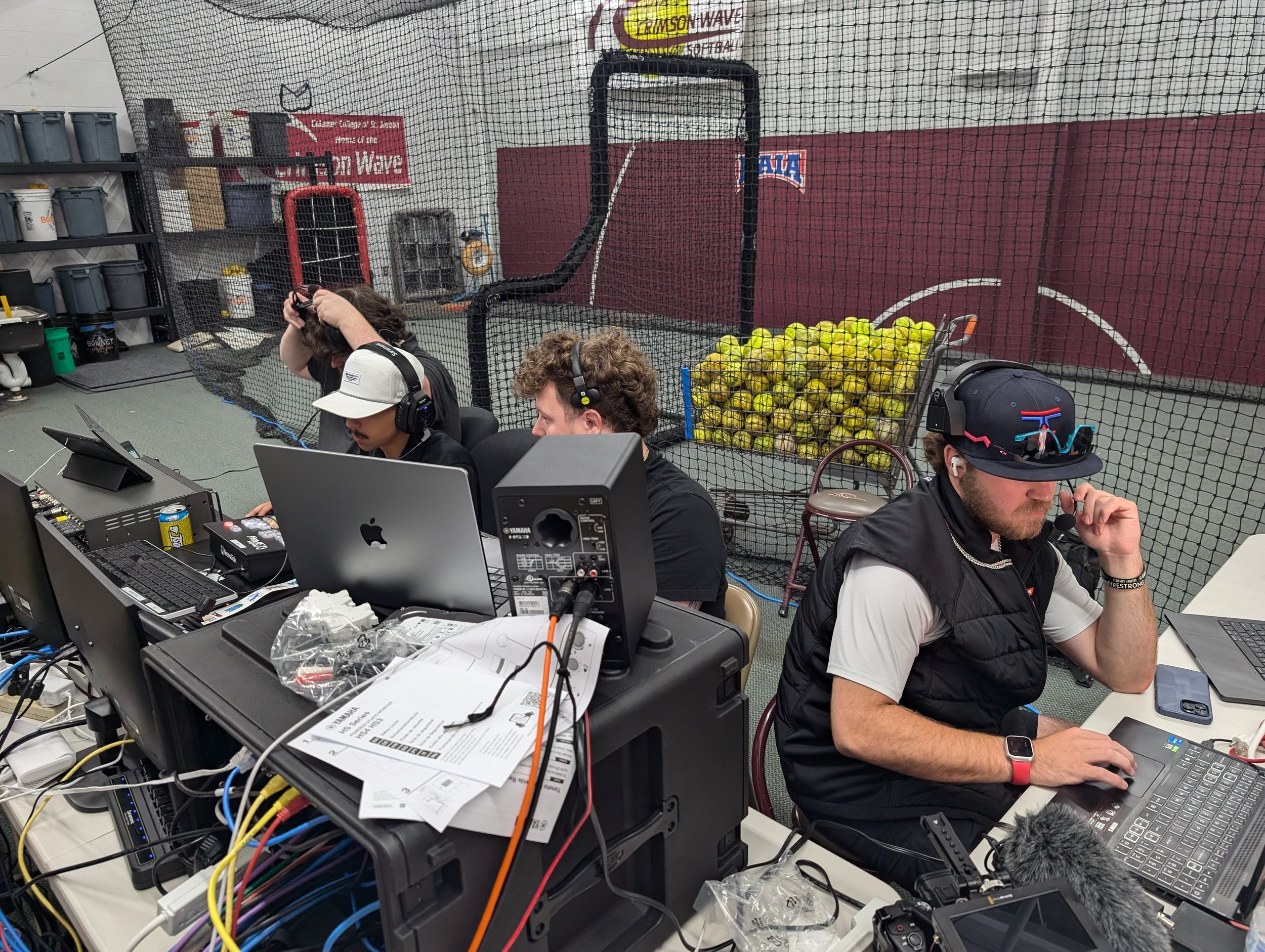

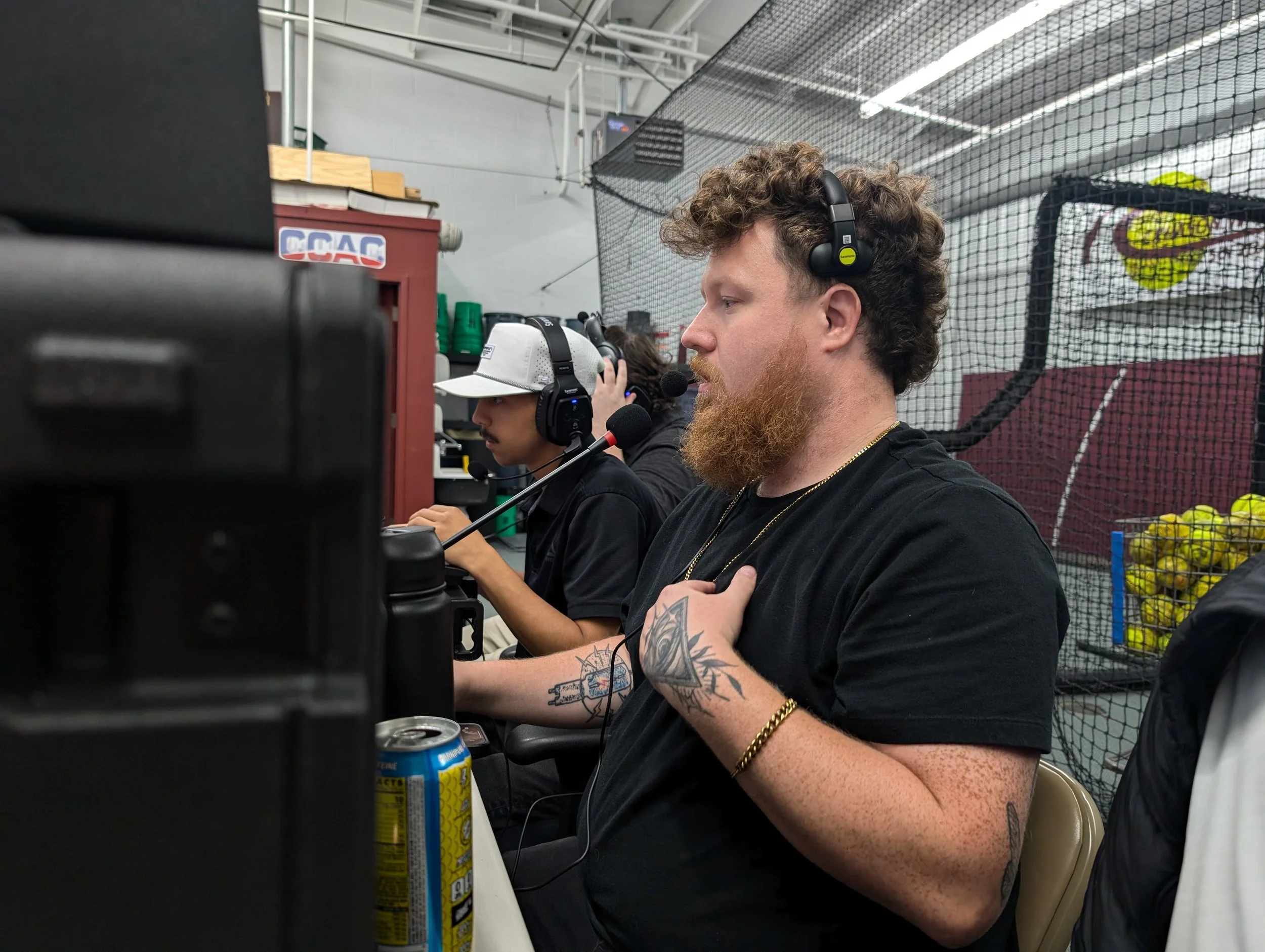
Professional Live Coverage
DuneVision’s Livestream Producer service delivers full-service live video production for events of any size. Our producers handle every detail on-site, including camera setup, switching, instant replays, live graphics, audio mixing, and stream delivery. Each Livestream Producer works with precision and brings real broadcast experience to ensure your event runs smoothly from start to finish. Whether it’s a single livestream or an entire season of shows, our productions are clean, consistent, and ready to air or publish across any platform.
The DuneBox
The DuneBox is DuneVision’s all-in-one livestream production system, engineered for fast setups and professional results. Each unit is built around broadcast-grade gear, including four JVC 4K cameras, a Blackmagic Design switcher, wireless comms for crew coordination, and full graphics support through vMix and NewBlue Titler Live. Compact and efficient, the DuneBox fits on a table yet delivers the same capabilities as a full control room—without the bulk, setup time, or delay. Designed for livestream producers who need mobility and quality in one package, it brings clean, consistent coverage anywhere the show goes.
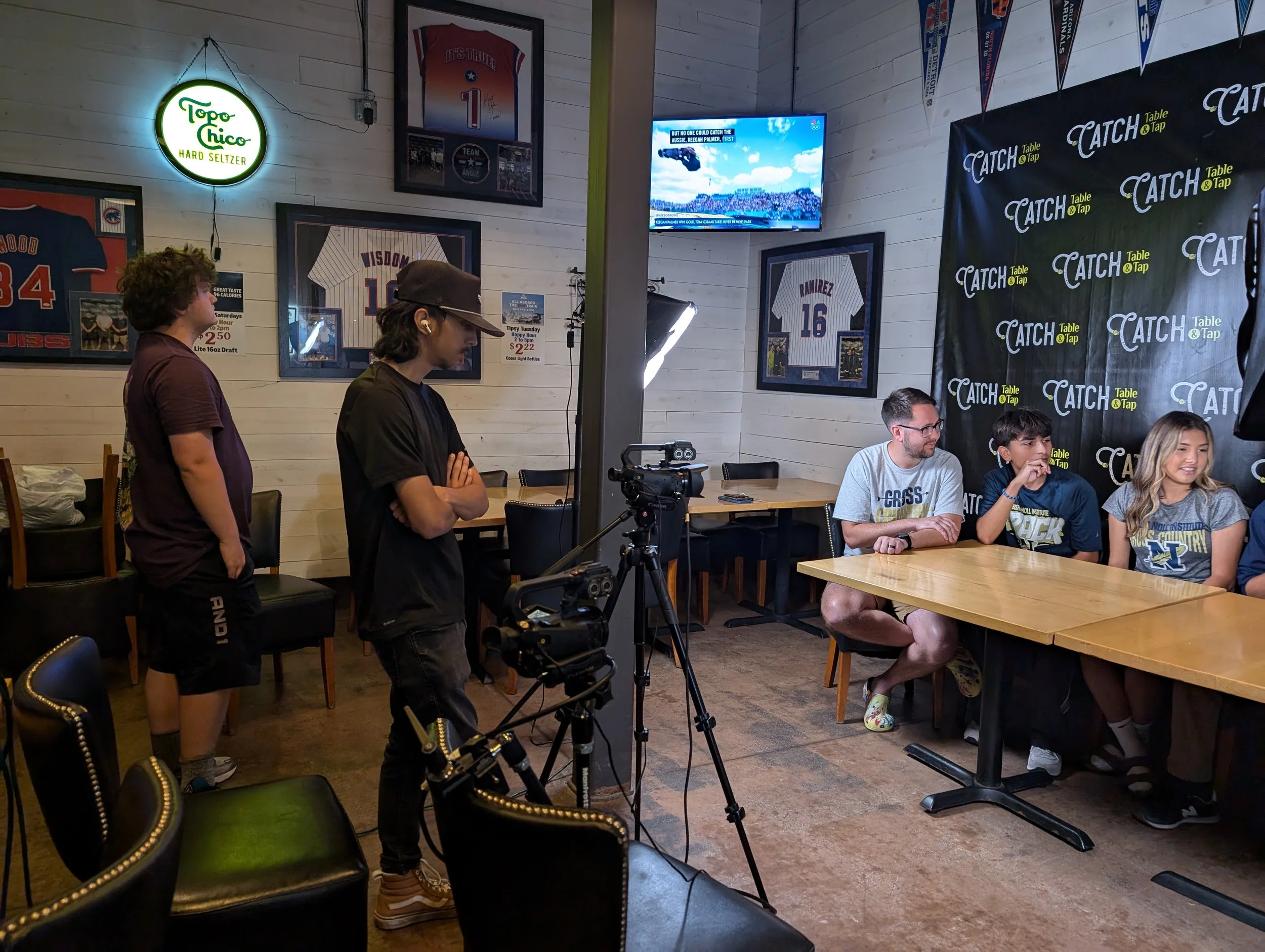
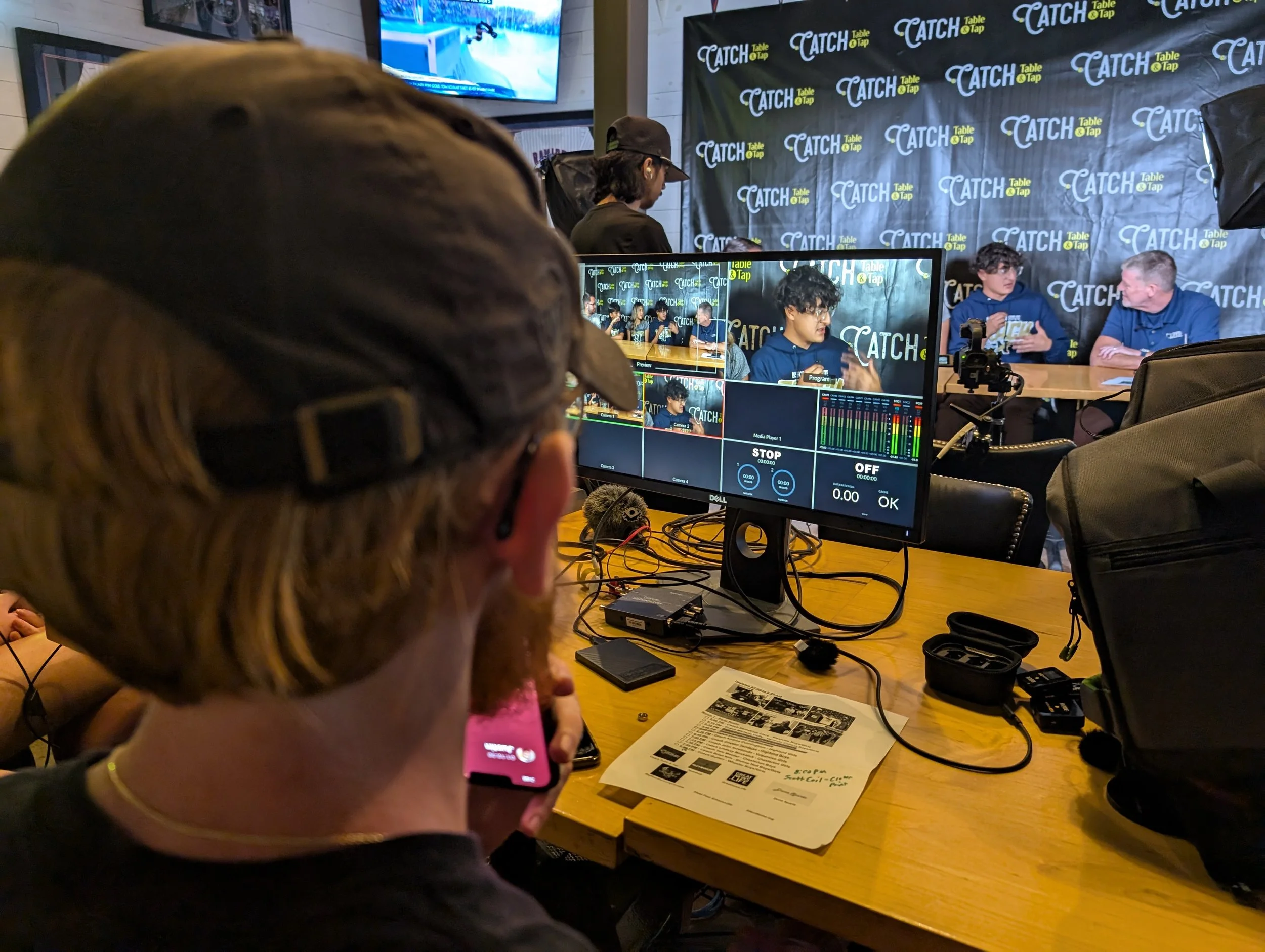
Equipment We Work With
ATEM Production Studio 4K
ATEM SDI Exteme ISO
JVC Broadcast Cameras (20x Lens)
Blackmagic Davinci Resolve Replay
Audio Kit
NewBlue Titler Live Graphics
Vmix Graphics
Vmix Replay
NewTek 3Play
Other Equipment/TV Truck Rental available upon request
FAQ
-
Professional livestreams look like TV. A team runs the cameras, lights, and sound. They use strong internet and special gear so the video looks smooth and clear.
DIY streaming is when you use your own phone or laptop. It can work, but the video might freeze, sound bad, or look shaky.
At DuneVision, we bring our own gear and crew. We set up the cameras, lights, and sound so your event looks great online.
DIY shows what’s happening. Professional livestreaming makes it fun to watch.
-
Almost any event can be livestreamed. Sports games, weddings, concerts, and school events are popular. Businesses use livestreaming for meetings, product launches, and conferences.
Livestreaming helps reach more people without extra travel or venue costs. A multi-camera setup makes your event look professional, which can help sell products, attract sponsors, and build trust with customers.
It also gives you more content later. A long livestream, like a conference, can be cut into short clips for TikTok, Instagram, or ads. One event can turn into weeks of new content.
At DuneVision, we stream sports, business, and special events so you can reach your audience live and keep growing after the show ends.
-
Professional livestream production uses cameras, tripods, lights, microphones, and switchers to make the show look and sound right. Each camera connects to a control system where a producer switches angles, adds graphics, and mixes sound in real time.
Most crews also use encoders to send the stream online, along with strong internet and backup power. Multi-camera setups need intercoms so the crew can talk during the show and keep everything running smoothly.
At DuneVision, we use broadcast cameras, professional audio gear, and stable streaming systems to make sure your event runs clean from start to finish.
-
Multi-camera livestream production uses more than one camera to show the action from different angles. One camera might stay wide on the whole scene, while another gets close shots or reactions.
All the cameras connect to a video switcher. A director chooses which shot goes live in real time. This makes the stream look smooth and professional, like a TV show.
Multi-camera setups also make great content after the event. You can cut the footage into clips for TikTok, Instagram, or ads. One livestream can turn into a full library of videos.
At DuneVision, we use multi-camera setups for sports, concerts, and business events so viewers see every moment and you keep creating long after the stream ends.
-
The cost of professional livestream production depends on the event and the crew it needs. A small setup for a local show will cost less than a large multi-camera broadcast with replays, graphics, and a full team.
At DuneVision, our DuneBox system is built to give high-end results at a fair price. It’s a full broadcast setup made for schools, sports, and businesses that want TV quality without TV network budgets.
Rates can change based on travel, crew size, and event length. Some markets pay more for crew time than others, but our goal is always the same: solid work, clear pricing, and professional results that make you look good on screen.
-
Graphics and scoreboards come from a computer that connects to the video system. Before the show, the crew makes pictures with team names, logos, and sponsor signs. During the event, they change the score and time as the game goes on.
For sports, the computer can talk to the scoreboard so the numbers change on their own.
At DuneVision, we make graphics that match your team or brand. We use tools like VMix, Blender, and XPression to build clean, colorful designs that make your livestream look like real TV.
-
Pick a livestream company that knows how to make your event look and sound great. Look at their past work to see if you like how it looks. Make sure they use good cameras, clear sound, and strong internet.
Ask if they can add graphics, logos, or scoreboards to match your brand. A good company will listen to what you want and explain how they’ll make it happen.
At DuneVision, we focus on quality and care about every show we do. We help you plan, stream, and turn your event into videos you can keep using later.
-
We make sure every livestream runs smooth and looks like real TV. Our crew uses the same kind of cameras, switchers, and audio gear used on live television. We test everything before the show, bring backup systems, and keep an eye on every part of the stream while it’s live.
Our team has worked in real TV for some of the biggest networks, so we know how to keep things running right even under pressure. At DuneVision, we bring that same level of care and skill to every livestream we produce.
Let’s Get You On The Air
info@dunevision.tv
(219) 508-9953